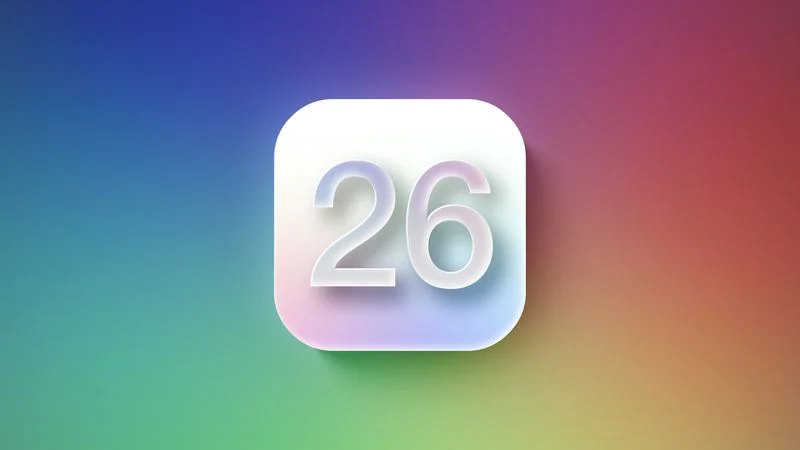
Apple just dropped iOS 26, and let me tell you — this one feels different. After spending a few days exploring it, I’m here to give you a full breakdown of what’s new, what’s improved, and what might surprise you.
Let’s dive right in.
1. Smarter Than Ever – AI-Powered Everything
Apple’s clearly leaning into AI this year — and no, not just as a buzzword. iOS 26 introduces Apple Intelligence, a new suite of features powered by on-device machine learning. Think of it like Siri finally hitting the gym after years of slacking.
You can now:
- Summarize emails with one tap
- Auto-generate message replies based on your tone
- Get real-time suggestions in Notes based on your writing
- And yes — Siri can now understand context. Finally.
It’s all happening on-device, so your data stays private. Classic Apple move.
2. Lock Screen Gets a Fresh Twist
Remember how we all went nuts over the lock screen customizations in iOS 16? Well, Apple just took that and cranked it up.
Now you can:
- Add interactive widgets directly on the lock screen (yes, real buttons!)
- Use Live Wallpapers that react to your current location or weather
- Create Focus-Aware Lock Screens that change layout based on time, calendar, or app usage
It’s subtle, but it makes your iPhone feel personal again.
3. iMessage Is Basically a Mini Social App Now
Apple continues to build out iMessage — and in iOS 26, it’s… kind of wild.
New features include:
- Message reactions with any emoji
- Voice message transcription (perfect if you’re in a meeting and can’t listen)
- Group profile banners and custom themes
- And something called Message Trails, which lets you swipe through long threads like Instagram Stories. I’m still on the fence with that one.
It’s clear Apple’s trying to keep iMessage ahead of WhatsApp and Telegram, and honestly, they’re doing a solid job.
4. Battery Health Just Got Transparent
For all the battery health nerds out there — you’re going to love this.
iOS 26 now shows:
- Estimated maximum charging capacity
- Real-time charging cycles
- And personalized tips to extend your battery life based on your habits
No more shady performance throttling or battery mysteries. It’s all out in the open.
5. Customization for Days
From changing app icon shapes to setting unique sounds per Focus mode, iOS 26 gives you more freedom than ever. You can even apply icon themes system-wide — without needing a third-party launcher.
Apple is slowly but surely giving users more control over their devices — and honestly, it’s about time.
Final Thoughts: Is iOS 26 Worth the Hype?
If you’re the type of person who updates on Day 1 (like me), you’re going to love the polish and power of iOS 26. It’s not just a visual update — it actually feels smarter and more useful.
Is it a game-changer? Not in the “revolutionary” sense. But it’s a big, confident step forward.
Let me know what feature you’re most excited about — or if you’ve already updated, what’s surprised you the most?
Thanks for reading!
If you found this helpful, consider sharing it or dropping a comment below. And as always — stay curious, stay updated.